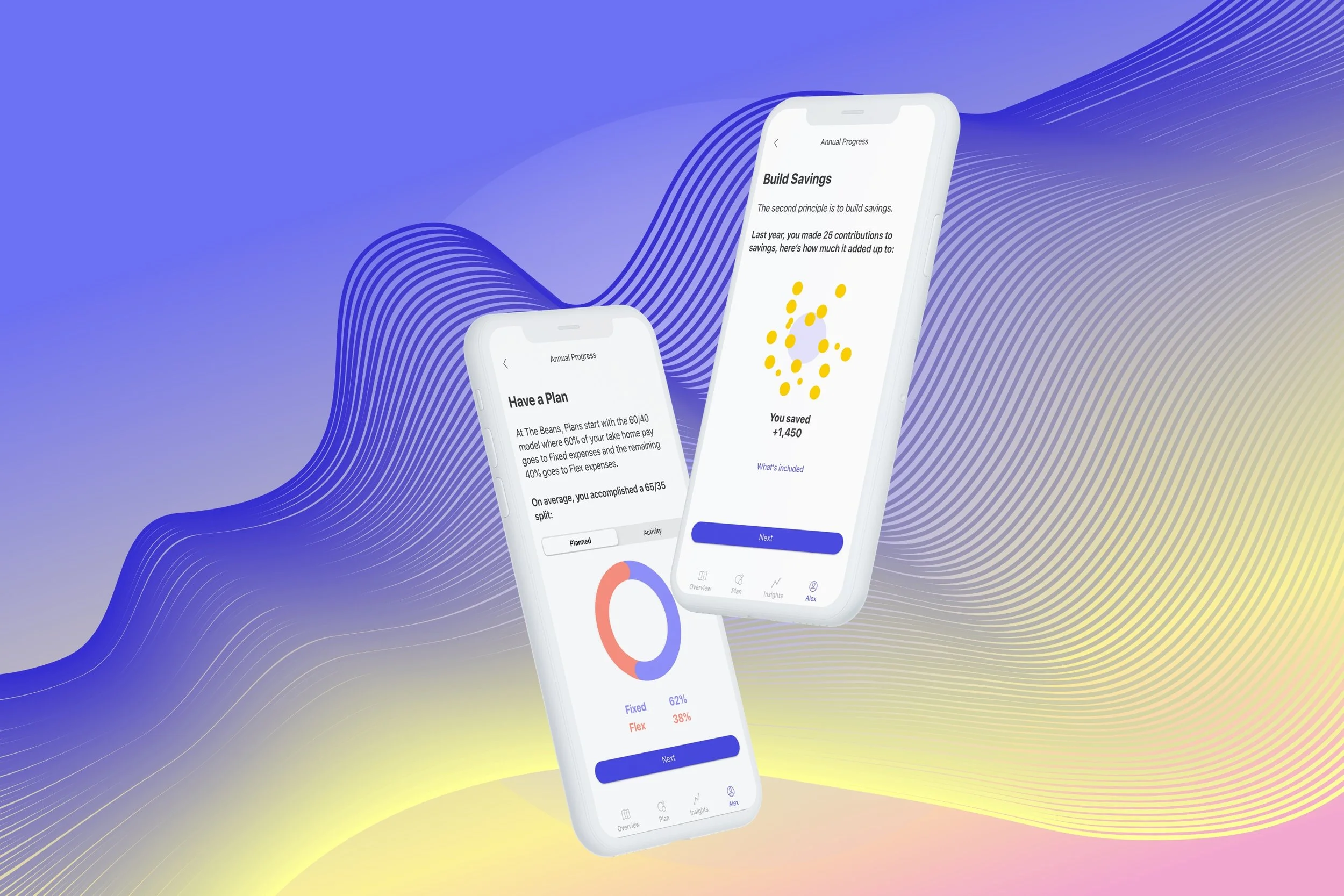
Opportunity
Reinforce habits that drive long-term financial stability.
Annual Progress is a reflective, end-of-year experience that helps users understand and celebrate their financial behavior over time. It visualizes progress across three core areas: planning, saving, and spending in alignment with personal values. These pillars are rooted in financial and behavioral research and serve as the foundation design at The Beans. Rather than evaluating or correcting, the experience reinforces the habits that drive long-term stability, helping users recognize their growth and build confidence going into the year ahead.
Intro Screen
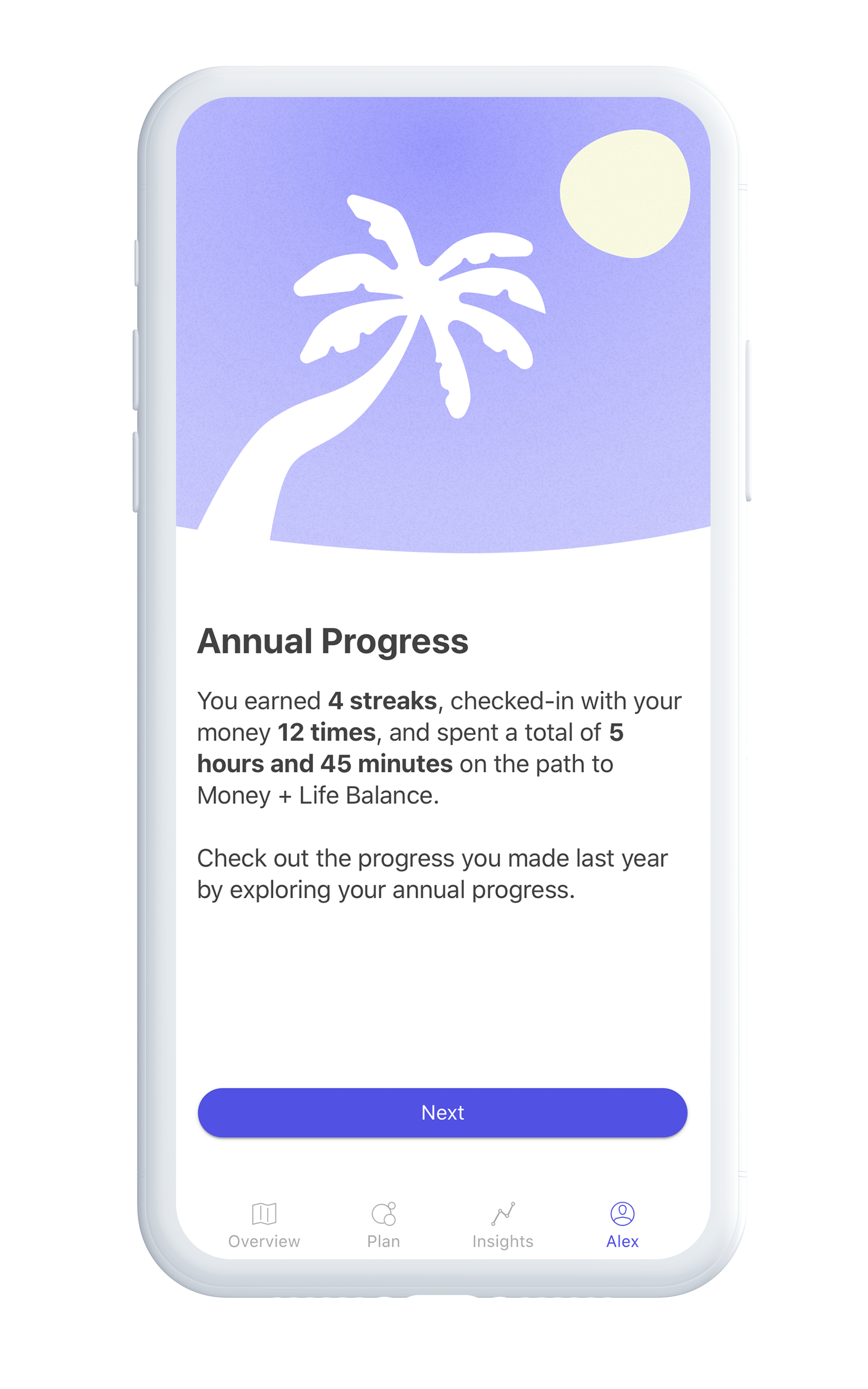
The experience opens with a lightweight reflection on engagement, showing users how much time they spent in the app and how consistently they checked in on their finances. Metrics like streaks, check-ins, and total time spent signal progress without encouraging over-monitoring. At The Beans, I designed for balance. Research shows that having a plan and checking in periodically leads to better outcomes, while constant tracking often indicates a lack of confidence in the plan itself. This screen reframes engagement as intentional and measured, setting the tone for a reflective, not obsessive, look back.
Have a Plan
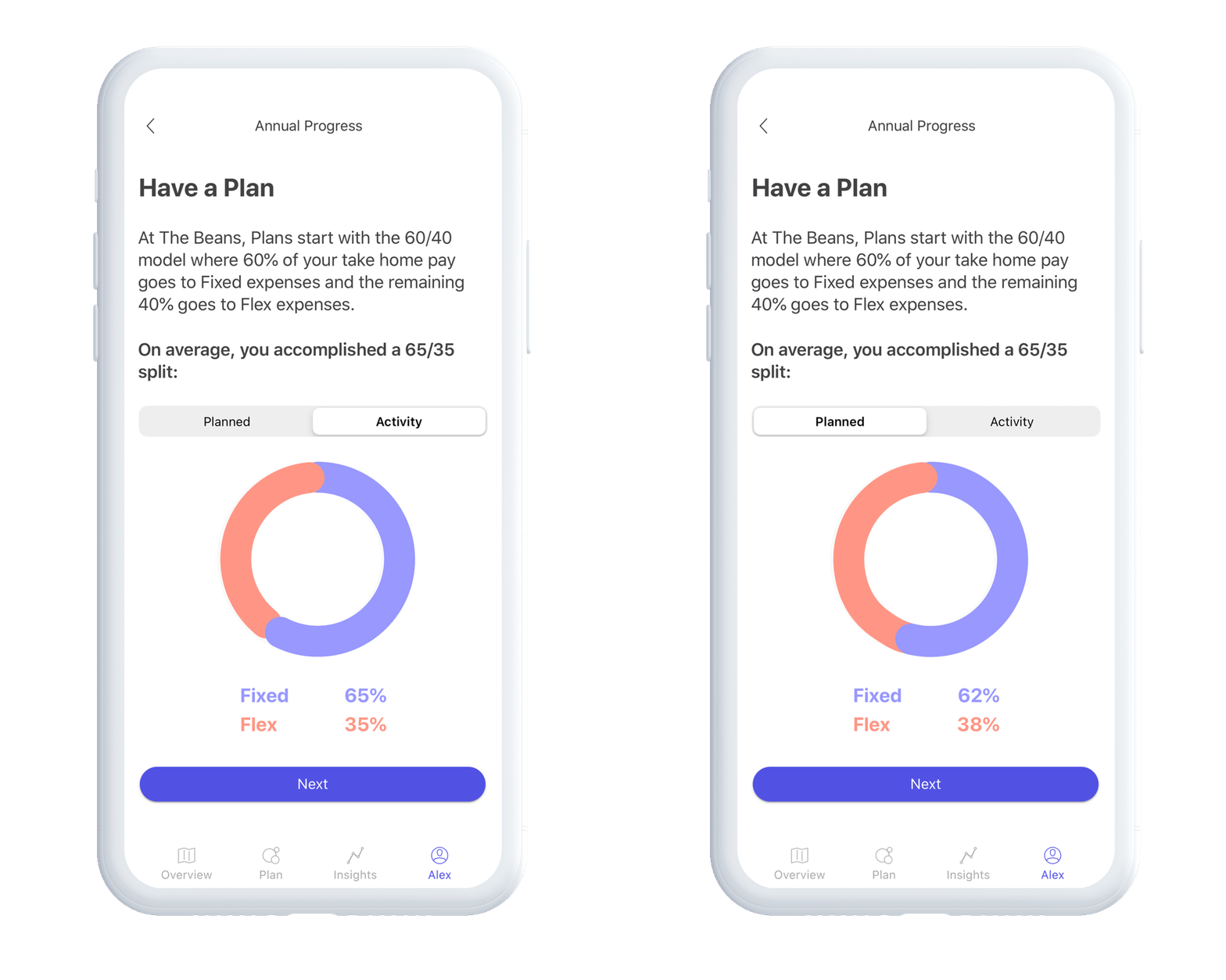
Users begin by revisiting their cash flow plan. At onboarding, users connect their accounts and receive a drafted plan based on income, fixed expenses, and flexible spending. A 60/40 split is recommended as a baseline. In Annual Progress, users see how closely their actual behavior aligned with their plan over time using the “Planned” vs “Activity” tabs. This comparison highlights patterns without penalizing deviation, helping users build awareness and confidence in their financial decisions.
Build Savings
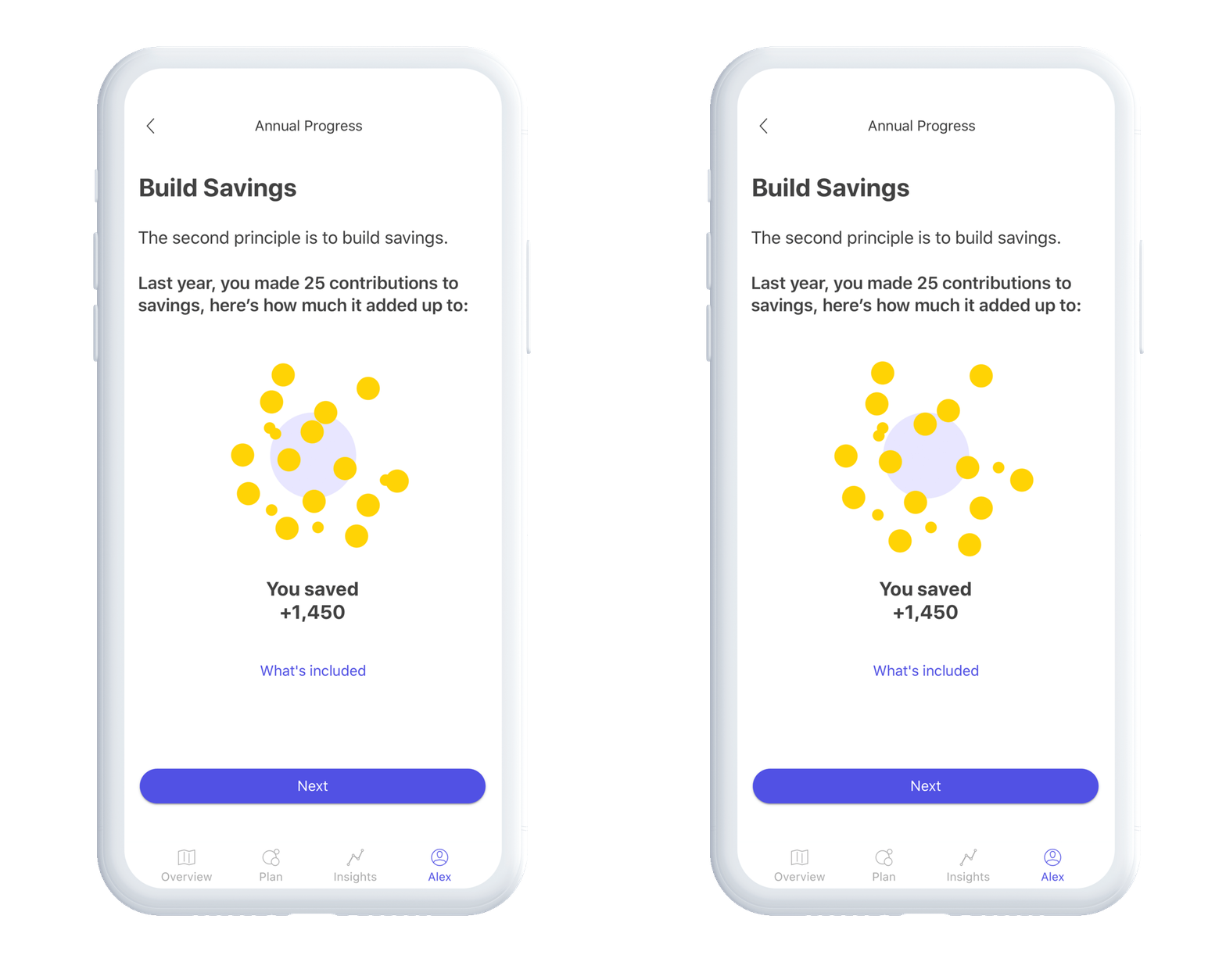
The savings experience focuses on behavior over outcome. Instead of only showing ending balances, after testing, I evolved the product to highlight how much users contributed to savings throughout the year. This shift reinforces the habit of saving, regardless of whether funds were later used. By emphasizing consistency and effort, the experience validates progress and encourages continued momentum.
Spend According to Your Values
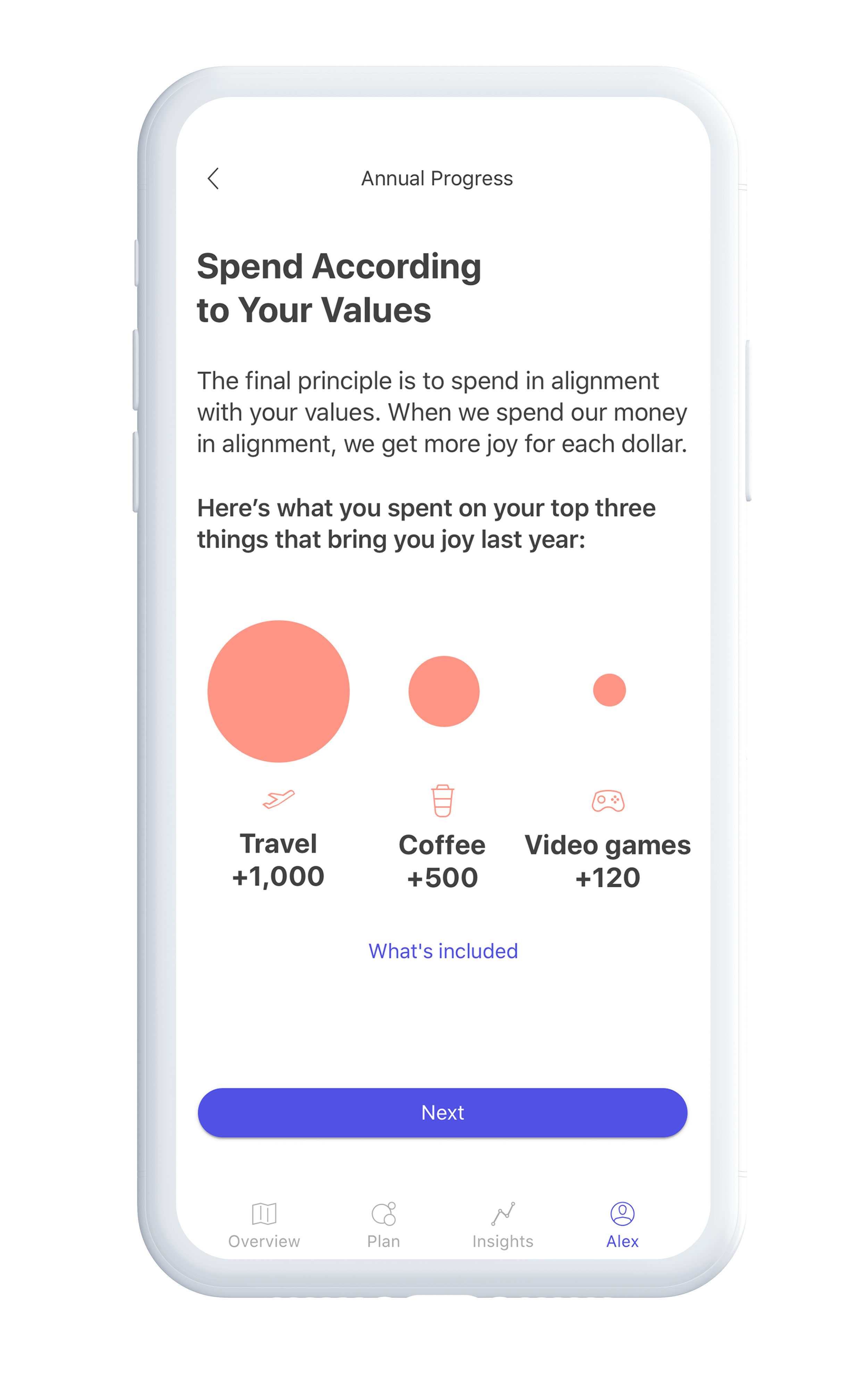
Users are reminded of the categories they identified during onboarding as sources of joy. Annual Progress visualizes how much they spent in these areas over the year, reframing spending as intentional and meaningful. By highlighting value-based spending, the product avoids shame and instead reinforces a healthier relationship with money.
Closing Moment
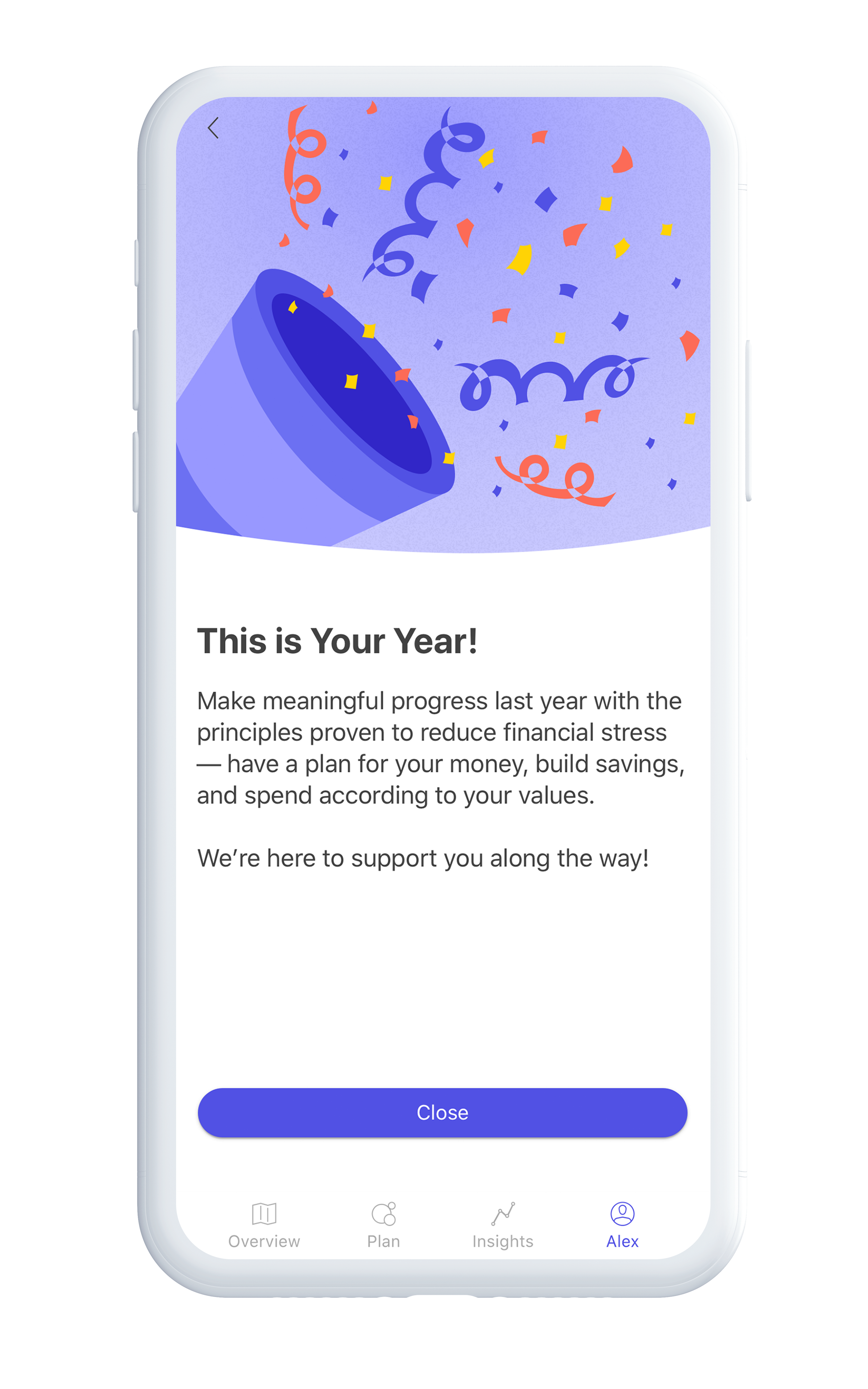
The experience ends with a celebratory summary that acknowledges progress across all three areas. Rather than prescribing next steps, it builds confidence and sets a positive tone for the year ahead, positioning users to continue engaging with their financial goals from a place of clarity and motivation.
Email Campaign— feature introductions
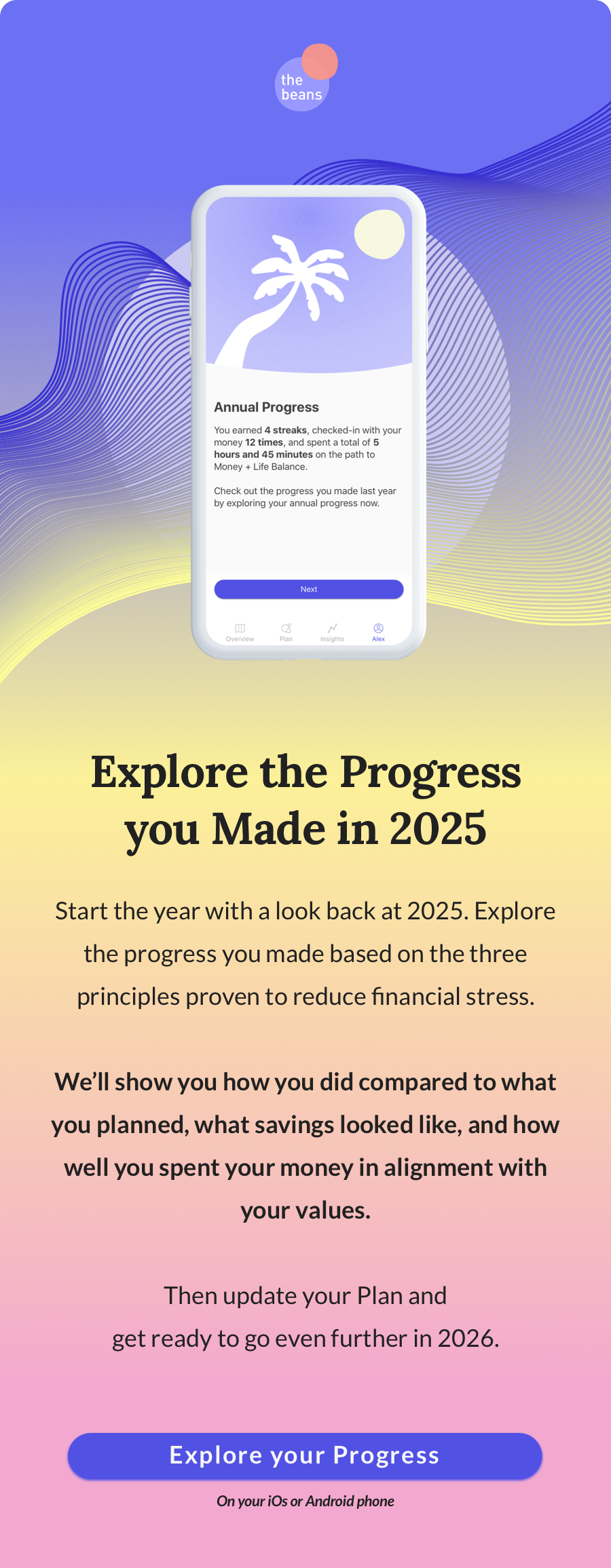
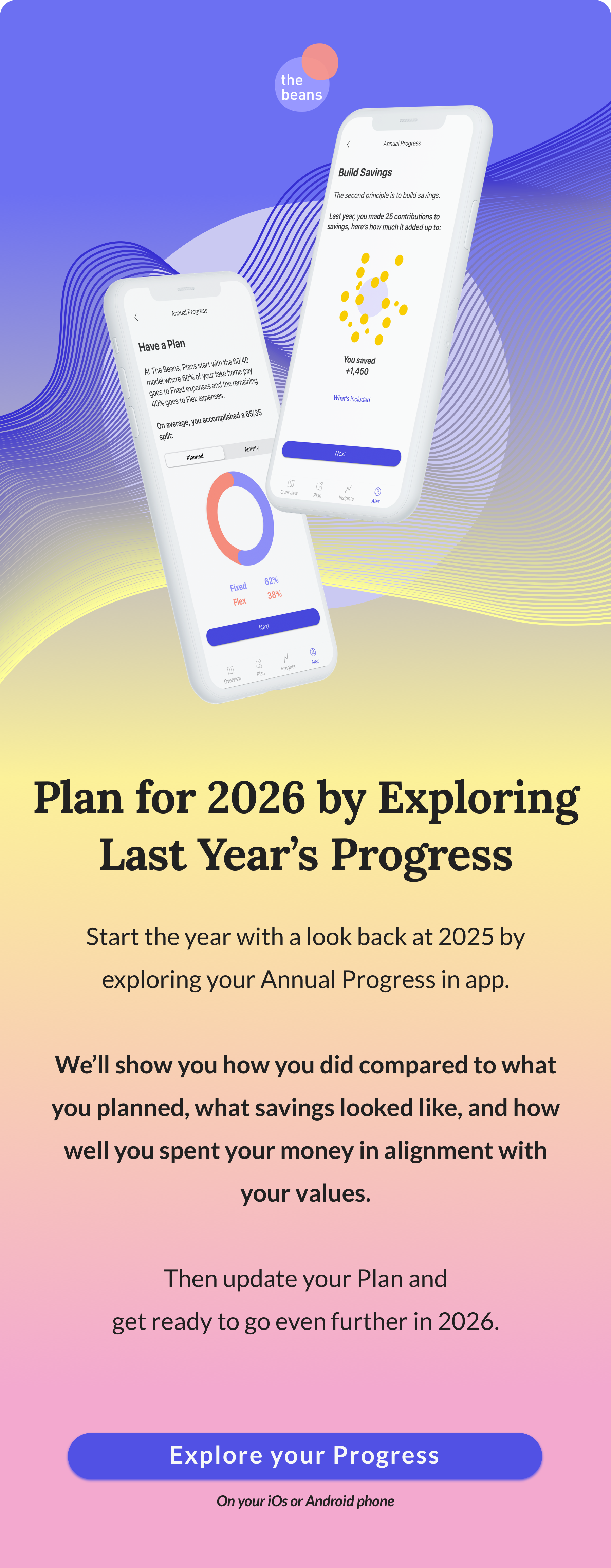
I’m also including a sample of marketing emails I designed for the second year of Annual Progress. The emails invite users to “Explore the progress you made in 2025,” positioning the feature as a starting point for the new year. They briefly introduce the three principles proven to reduce financial stress and preview what users will see before prompting them to update their cash flow plan and prepare for the year ahead. A clear call to action, “Explore your progress,” deep links to the app on mobile and the marketing site on desktop.
Beyond Annual Progress
Annual Progress ends at a key transition point, as users move from year-end reflection into the new year. Following a period of higher holiday spending, the experience shifts focus toward rebuilding and growing savings.
Rather than stopping at reflection, it creates momentum. Users are guided into the new year with a renewed focus on savings, supported by seasonal campaigns that build on the habits they’ve already developed.
Want to talk annual reports and wrap-ups? Let’s connect.